
New product · Sylenze Studio
Share the moment, not the faces.
Make your event photos safe to share.
Sylenze Studio is the new product for event photographs. It finds the faces in a photo and replaces each one with a new face, so the original face is hidden and the moment can still be shared.
Your first 5 photos are free. One credit covers up to 40 faces. No time limit and no watermark. For schools, nurseries and clubs. Video coming soon.
 Original faces
 Faces replaced
Fictional people. Sylenze Studio replaced the faces.
- 1
Upload
Add the event photograph from the shoot you already have.
- 2
Faces found
Studio marks every face it detects in the picture.
- 3
New faces
Each original face is replaced, so that face is no longer in the photograph.
- 4
Review and download
Check the result, then download the photograph to share.
A replaced face hides that face. Hair, clothing and the setting can still identify someone, so review the photograph before you publish. Studio does not replace your own permission to publish.
Also from Sylenze
After you share it, you still control it.
What we do. Sylenze is how the owner of the media shares sensitive photos, video and documents with the people who are allowed to see them. That owner is an organisation, a family, or a professional party. They view inside Sylenze. They do not leave with a file they can forward.
What we sell. Control of that share: who can look, no clean download, and an audit and watermark. You buy it as an organisation subscription, an event licence, audience access, or a mix of those.
The problem starts when you send it
Creation is solved. The first send is solved. Control after that send is not.
-
WhatsApp or Telegram
-
A private Instagram account
-
Drive, Dropbox, or a transfer link
What you keep
The owner keeps the audience, the file, and the record. A screen recording cannot be made impossible. An unauthorised capture is traceable. Accountability is the claim.
-
Who can look
-
No clean download
-
Audit and watermark

Who it’s for
The customer is the owner of the media, and the person answerable for where it goes. That owner is an organisation, a family, or a professional party. Education is one market, not the definition of Sylenze.
- Use case
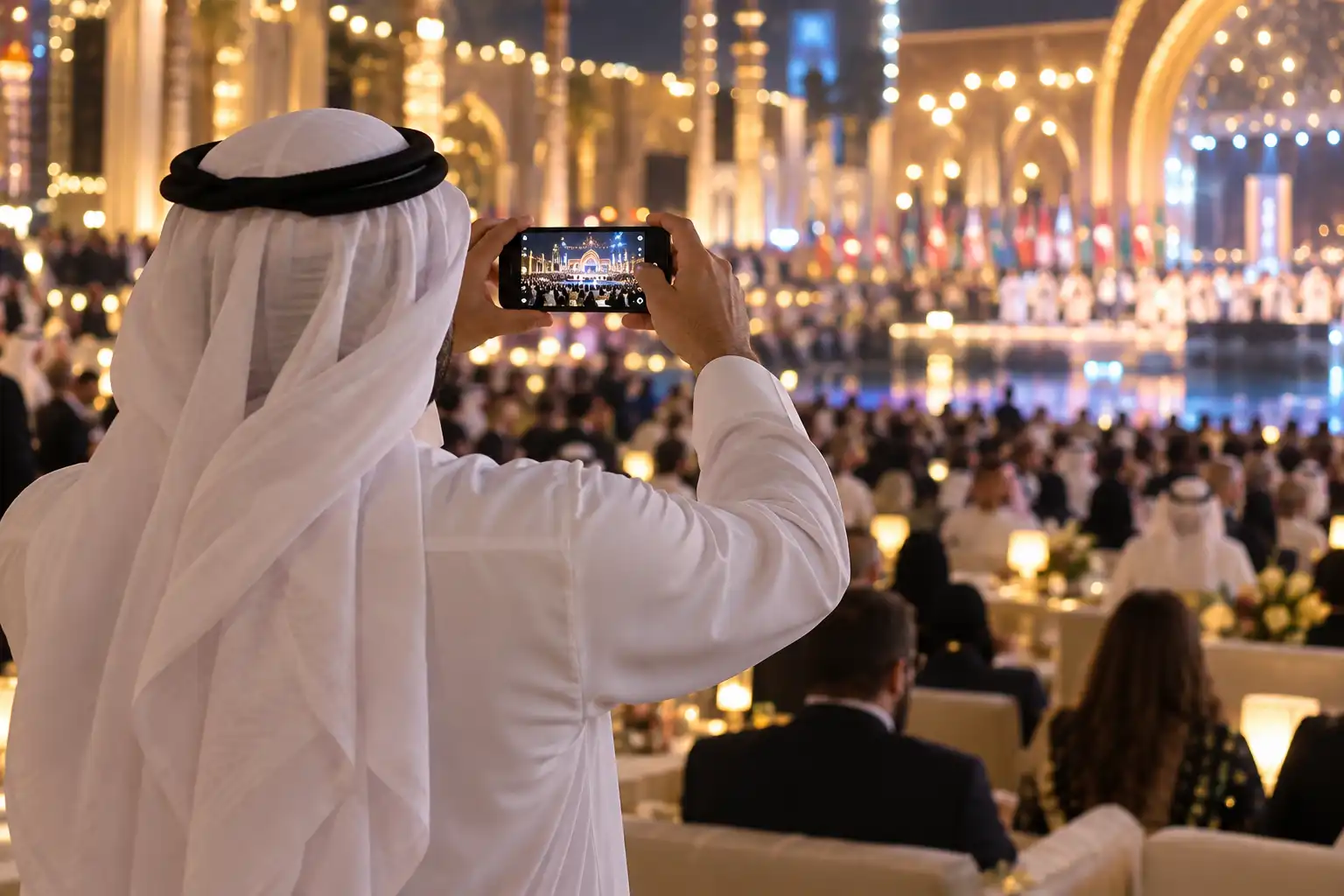
Middle Eastern weddings
The couple, the families, or the planner, with the photographer they already hired. The women’s gathering, the immediate family and the wider guest list are different lists.
- Market
Education
Schools, international schools and colleges. Still a real market. It is where we learned the problem. It is one vertical, sold when the buyer is ready, not the only door in.
- Use case
Courtroom documents and media
A firm, a party, or the court. Bundles, exhibits and hearing recordings go to named counsel and the people on the case. Sylenze does not replace the case system.
- Market
Sport clubs
Clubs, academies, leagues and tournaments. A match film for the squad is not the same list as the one for parents or officials.
- Use case
Clinical and medical media
A clinic, a therapist, or a care team. Progress images and session recordings for a named person, with access that can end.
- Use case
Personal family sharing
A parent or family owner approves named relatives for photos, video and family documents. A family group chat is too wide for that.
How a controlled share works
You already capture the media. Sylenze is the layer between that capture and the people who are allowed to see it.
- 1
The media already exists
- 2
The owner approves who can look
- 3
People view inside Sylenze
- 4
The owner can see who looked

How Sylenze sits
Sylenze does not capture the media and does not replace the system that already holds it.
-
The owner keeps the media
-
It works with existing capture
-
Not an identity provider
-
Commercial models flex

Share the next event with Sylenze Studio
Replace the faces, keep the moment, and download a photograph you can share. The first 5 photos are free.